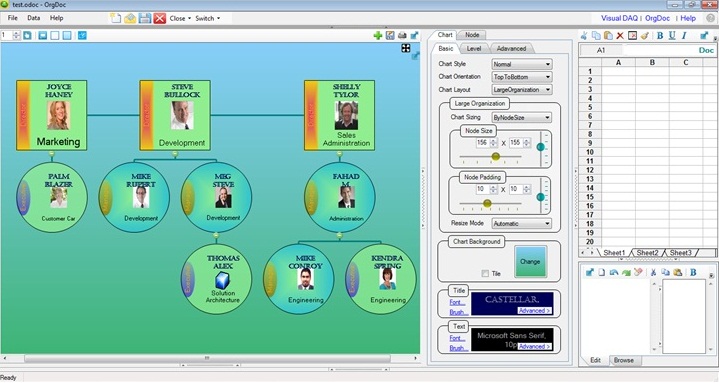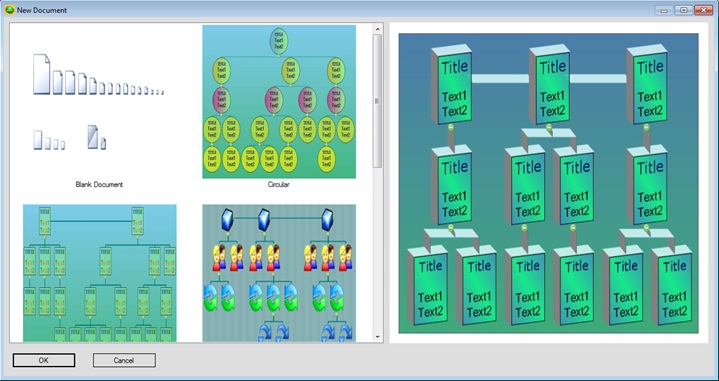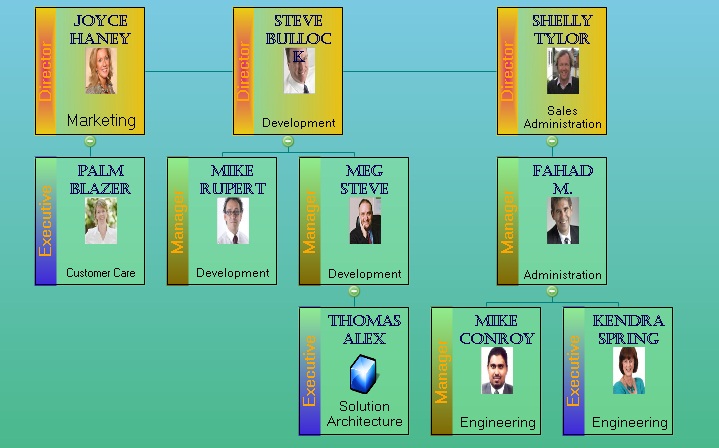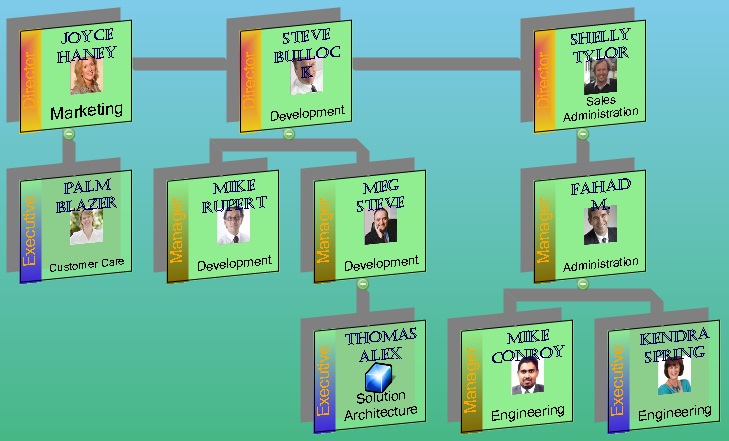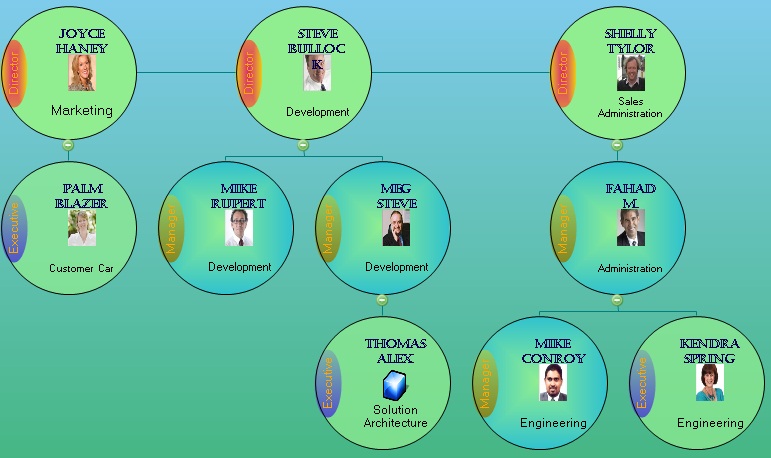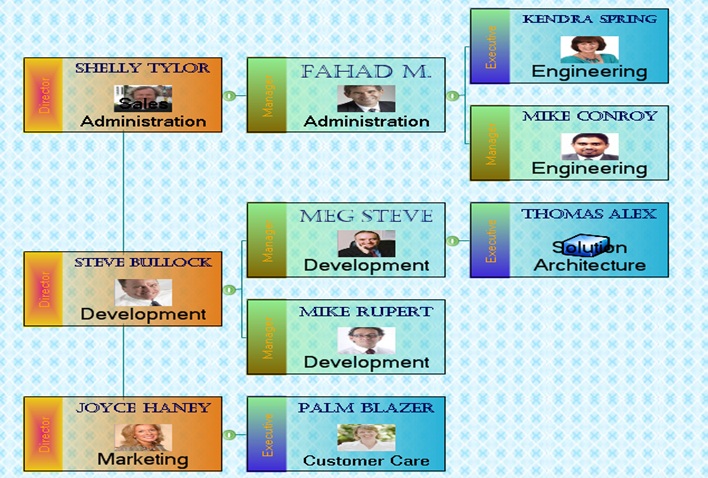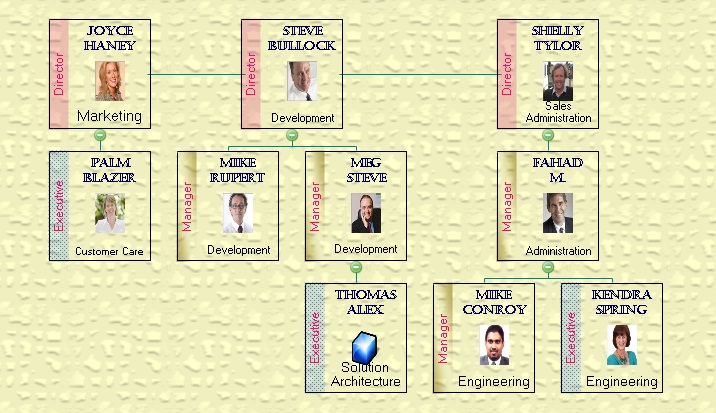

OrgDoc™ is a unique (Automatic & Interactive), desktop-based (Windows), stand-alone, organization chart creator & data organizer software. This data management software can be used for creating organization/hierarchy charts, and also as your organizational as well as personal data manager (Data Visualizer) and file organizer.
This is also a user-customizable, document based (*.odoc) organizational data management system. You can create and share as many organization documents (*.odoc) you need. An organization document is a file that is composed of your organization chart and data associated with each of the nodes.
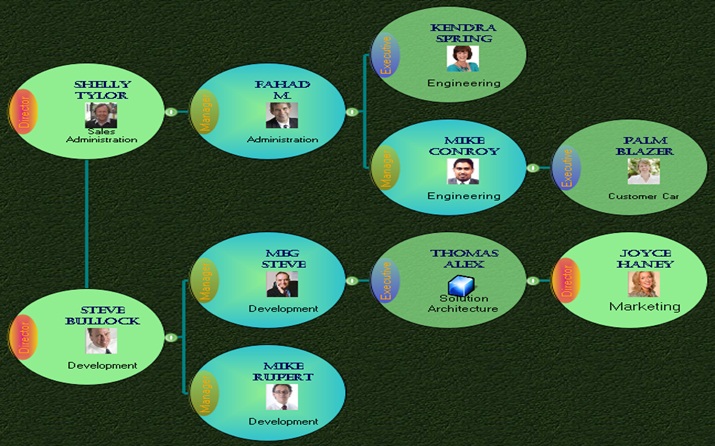
OrgDoc's automatic layout with different layout options provide fast and easy creation and maintenance of your data. OrgDoc's interactive charting (expand/collapse, levels, sub-charts, searching etc.) provides quick navigation through the hierarchy.
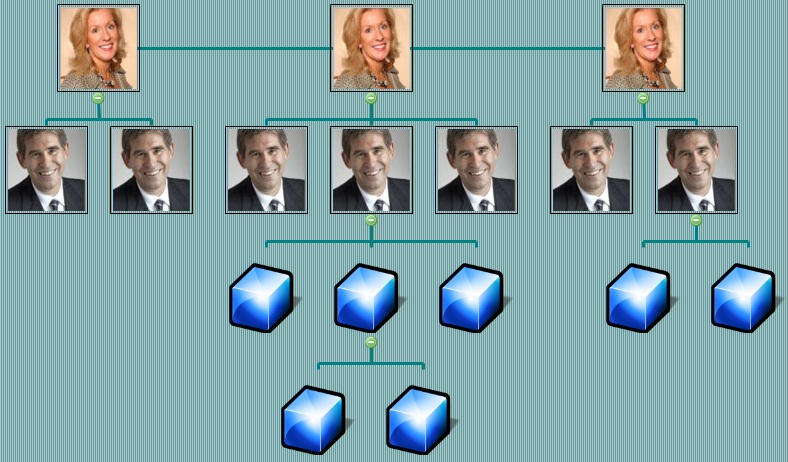
Typical use cases include employee hierarchy, business organization, hospital departments, photo
organization, city organization, sales organization, police organization etc.
System Requirements: (32-bit / 64-bit), Windows XP SP3 or Above, .NET Framework 4.0 or Above.
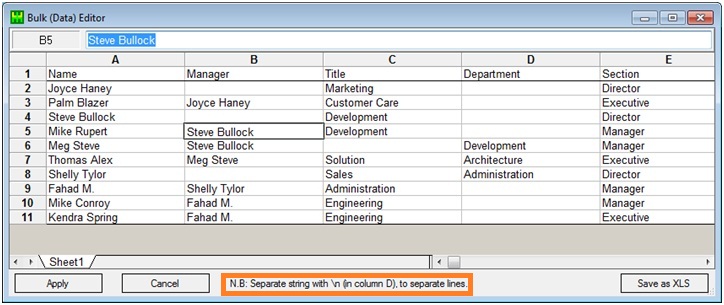
Import tabular data from Excel file (xls/xlsx) or add nodes in designer and input data.
Use Bulk (Data) Editor & Tree (Hierarchy) Editor for quick and easy data editing.
Read More VideoThere are 4 levels of formatting options available, for quick and easy chart formatting:
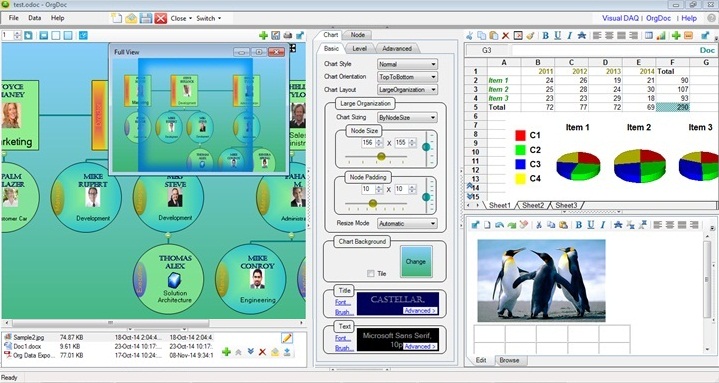
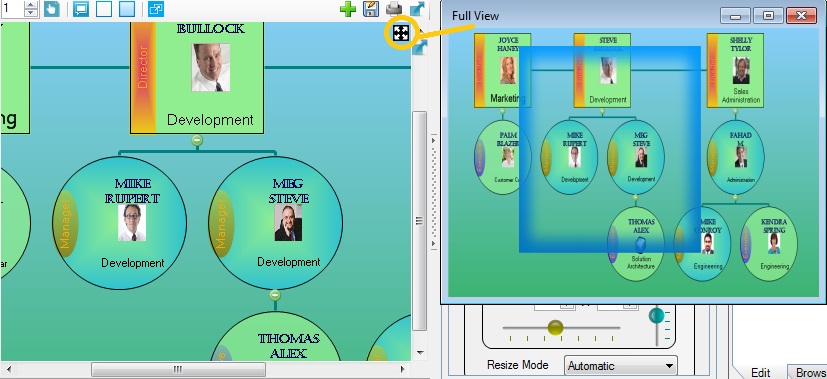
Use Full-View window, to navigate quickly to any part of large organization charts. Drag & drop nodes in the chart, to re-organize your data anytime, without losing any of the associated information.
Automatic Layouts, and chart-wise / group-wise / individual settings, supports quick creation, rich formatting and easy maintenance of organization charts created using OrgDoc. Creating a chart by formatting and placing each of the nodes is time-consuming. Moreover, maintenance and re-arranging of nodes will be a major head-ache for larger charts.
Interactive Charting capabilities: OrgDoc treats your organization chart as a single unit anytime. Interactive charting provides quick navigation through the hierarchy, using expand/collapse, sub-charts, expand up to levels, searching etc. Automatic Sub-charts can be displayed by right-clicking on the expand/collapse (+/-) button. And the charts once developed will be interact-able for ever.
Regarding data maintenance, you can export chart data to XLS file, edit, and update back the chart data (Import) anytime from the Excel file, without losing any of the chart settings and node formatting, already applied.
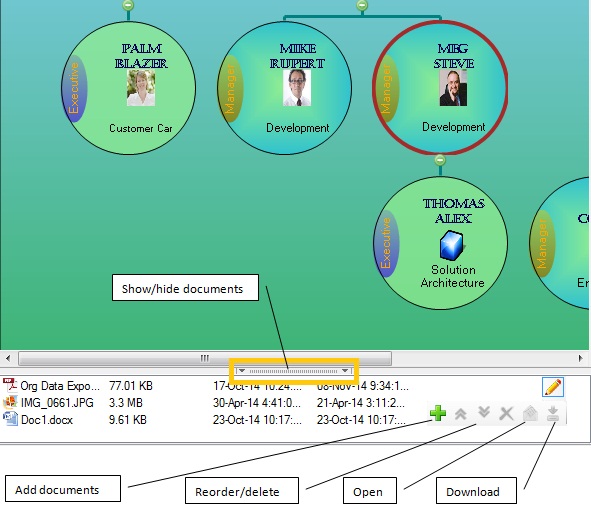
You can organize data in to hierarchy (groups and sub-groups) and visualize its relationship and content. Each node in the organization chart can have an associated spreadsheet and rich document. You can enter any associated data of the node in these inline documents. Also there can be an arbitrary number of external documents attached to each node. These external documents are attached permanently to this master organization document (*.odoc). You can open, edit and re-attach the external documents anytime later.
This document mapping allows heterogeneous linking of data to organization chart's nodes, in addition to the customizable homogeneous data items applicable to all nodes.
You can manually enter 2-dimensional data in to the spreadsheet and can chart data and calculate formulas. Also can copy/paste data between OrgDoc and external data sources like an MS Excel file.
You can read an XLS file into the spreadsheet and can chart it. Also can export spreadsheet data to XLS files. Microsoft Excel is not required to be installed on the machine, for any of these functionality to work.
The Rich Editor associated with the node, can be used to attach images and insert tables of data, in addition to all other text formatting.
Professional edition has all the features of OrgDoc. Lite edition is not having the linked data organizer features, namely spreadsheet and rich editor that are seen on the right-hand-side of the application.