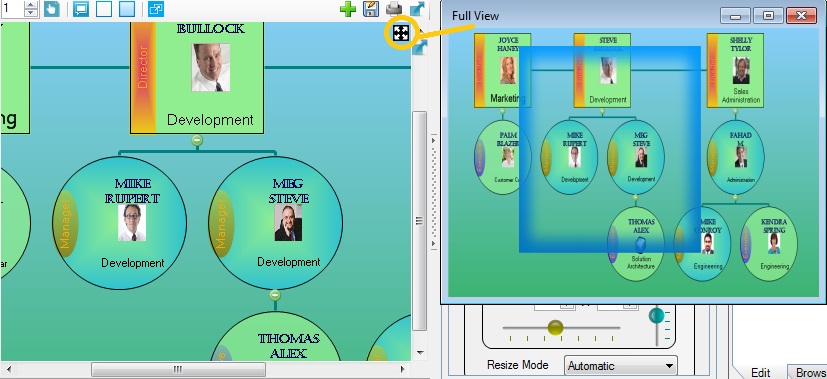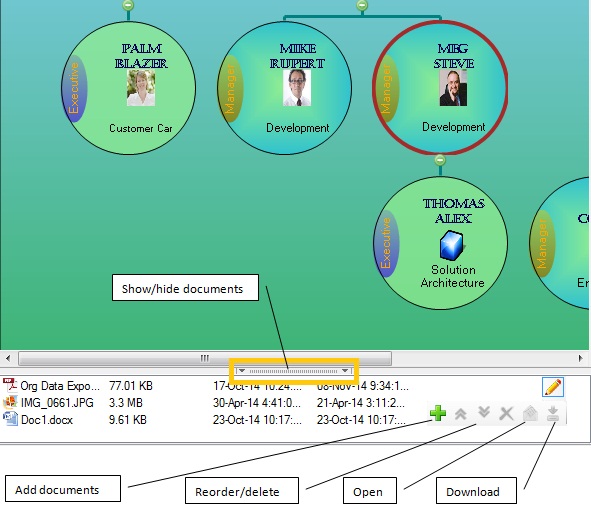

The above video demonstrate how to design organization charts, creating a new organization chart. It shows how to use different type of Brushes for formatting text and background, Background image for chart and nodes, Photos, Chart Layouts, Chart Orientations, Chart Styles etc.
Also, you can open sample Organization Documents (*.odoc) in OrgDoc, and look into designer tabs, to see how it is designed. Sample Organization Documents can be downloaded here.
Read more about Chart Formatting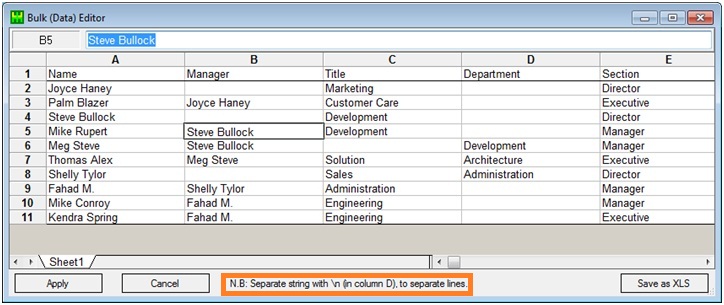
Import tabular data from Excel file (xls/xlsx) or add nodes in designer and input data.
Use Bulk (Data) Editor & Tree (Hierarchy) Editor for quick and easy data editing.
Read More Video