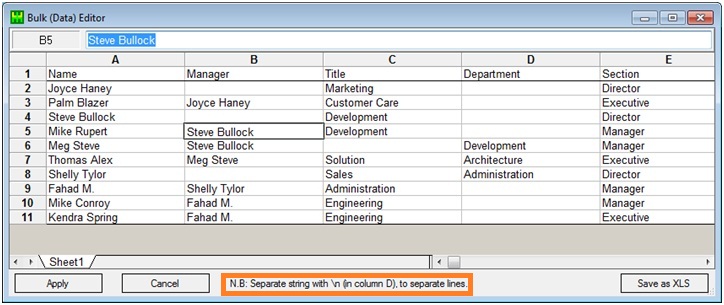
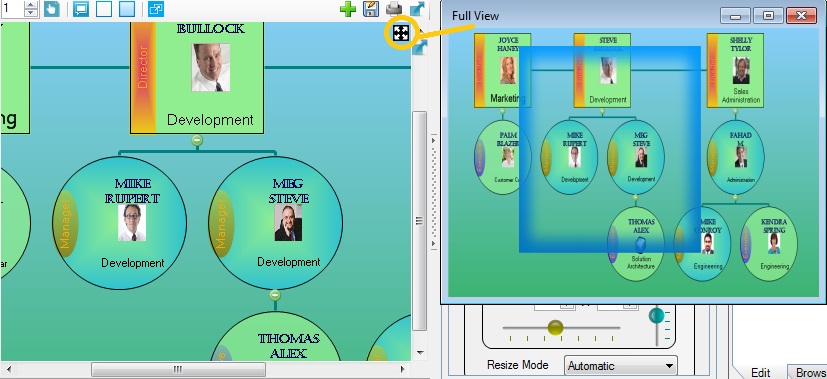
The above video demonstrates how to customize OrgDoc (Organization Chart Creator & Data Organizer
Software), by adding custom data fields corresponding to organization chart nodes. OrgDoc can be used as
your Personal Data Manager Software / Album Software / Data Organizer / File Organizer.
Data Organizer Features
Unifosys OrgDoc is a document-based data organizer software, using organization charts to organize data.
In an OrgDoc document (*.odoc), you can create a hierarchical list of data nodes. Each data node has the
following 5 items of data representation facilities:
Organization Chart Nodes: Title, text, image and tag (category grouping) of each
node.
Rich-Text Document: images, tables, formatting etc.
Spreadsheet Document: You can have formula calculation & charting in the
spreadsheet component; and MS Excel is not required to have on the machine.
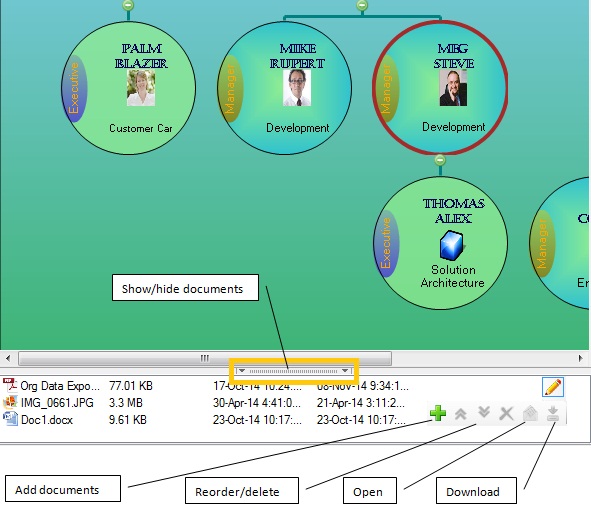
External Files: Attach external files (any type) permanently to each node. You can
extract and view/edit attached files anytime.
Custom Fields: Enter data corresponding to custom fields of data. There are no
predefined fields, instead you can define custom fields of information, that hold data for each of
the orgchart nodes.
You can click a node to populate the above data, corresponding to each of the org-chart nodes.
ODOC files are compressed and it can be password-protected (encrypted).
You can search for custom fields of information within the whole data document.