
The above video demonstrate how to import organization chart data from Microsoft Excel (xls/xlsx) file, creating an automatic organization chart. It also shows how to use Tree Editor and Bulk Editor for easy creation, drag and drop, and editing of organization charts. A sample xlsx file can be downloaded here.
(Update chart data, keeping all the chart and node formatting):
You can export chart data to an Excel file from OrgDoc, edit it in Excel, and later can import to
OrgDoc, after opening the same organization chart document (odoc) in OrgDoc.
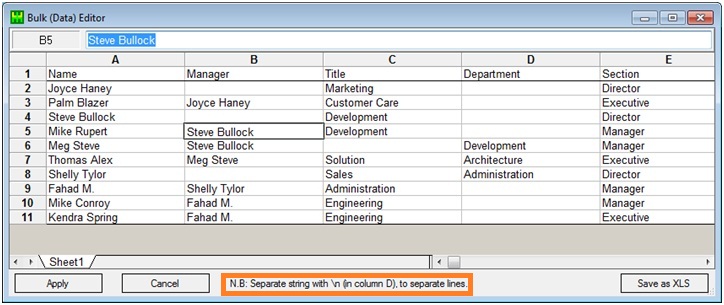
Import tabular data from Excel file (xls/xlsx) or add nodes in designer and input data.
Use Bulk (Data) Editor & Tree (Hierarchy) Editor for quick and easy data editing.
Read More Video